DGN TextField
MicroStation provides the TextField object. It's part of a DGN text element. MicroStation help tells us …
Fields - Derived Content in Text
As you place or edit text you can insert fields in the text whose content is derived from object properties. Properties of the following types of objects can be used as sources for field content …
- elements
- models
- files
A field can appear anywhere within a piece of text and can span multiple words or lines within multiple-line text.
TextField Background
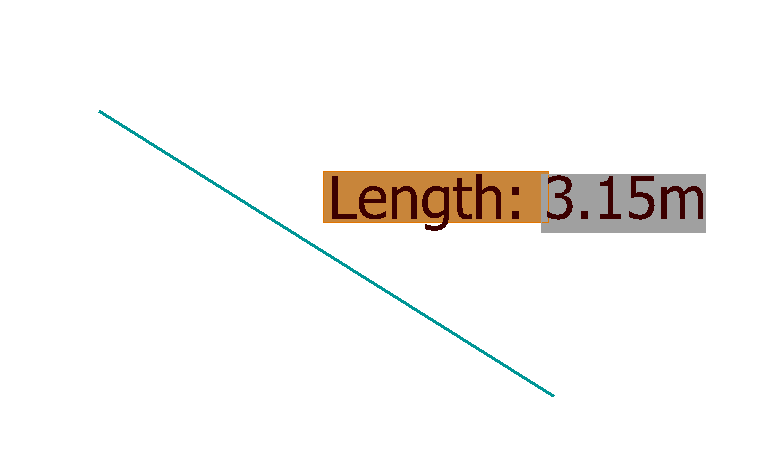
By default, MicroStation doesn't apply the text style background of the text element to a text field.
You can see that in my screenshot above: text Length: is plain text with a brown background;
text 3.15m is a TextField without that background.
You can change a text field's rendering in MicroStation preferences. Navigate to Preferences Dialog, Text Category and toggle option Use Text Style Background Color for Field Background …
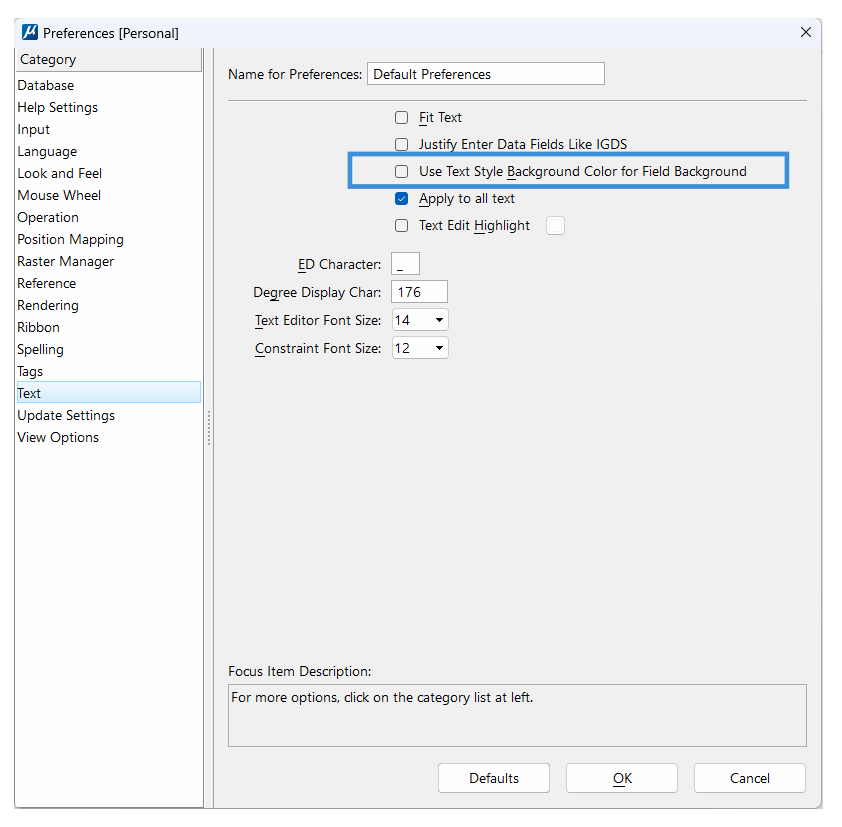
MicroStation help tells us: If on, the TextFields will display the Field background color defined in the text style. You can switch from default grey background color to the Field background from the TextStyle, if defined.
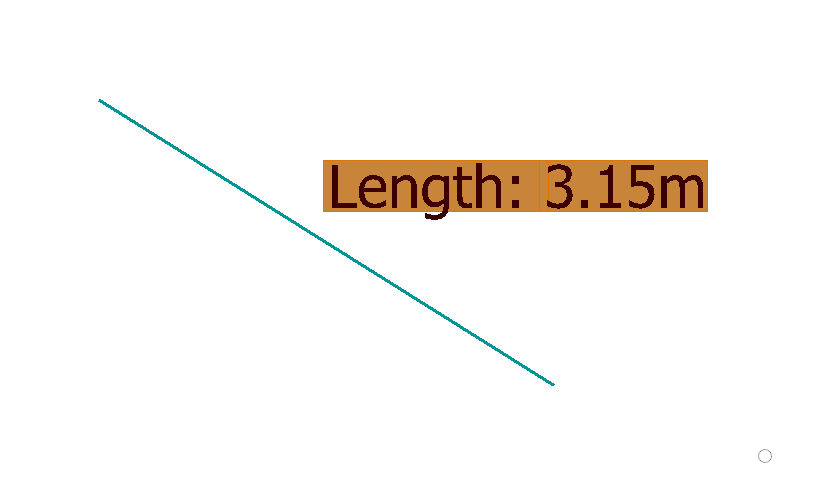
Here's the same line and label with that option enabled …